Growth goal
Find this week's best growth opportunities and prepare the next actions.
AI-powered growth for lean teams
Tell Lumiel what you want to grow. It drafts the plan, does the work across your channels and tools, and shows you what moved. You decide how much it does without asking.
Your workspace agent
Describe the result you want. Lumiel breaks it into a plan, runs it once you approve, and tracks whether it actually moved the number.
Needs your review
Review the ideal customer profile, pilot requirements, and existing customer research before preparing outreach.
Save the shortlist and message drafts in the workspace. Sending messages requires its own approval; approving the plan does not send them.
Use recorded signup evidence to verify customer fit. Completed outreach tasks alone do not confirm that the goal has been achieved.
Research and drafts stay in your workspace. External messages, publishing, and spending require their own approval. Review the recorded results before confirming the goal outcome.
Recruit 10 qualified pilot customers in 30 days.
30 days
Baseline 0
At least 10 customersSource: confirmed pilot signups
Count customers who match the agreed profile and have confirmed their participation. Verify the evidence at the end of the target period.
Each stage contains its steps. Changes stay within that stage.
Use the product brief and customer research as context. Keep outreach in draft until it is approved. No advertising spend is included in this plan.
Built-in tools
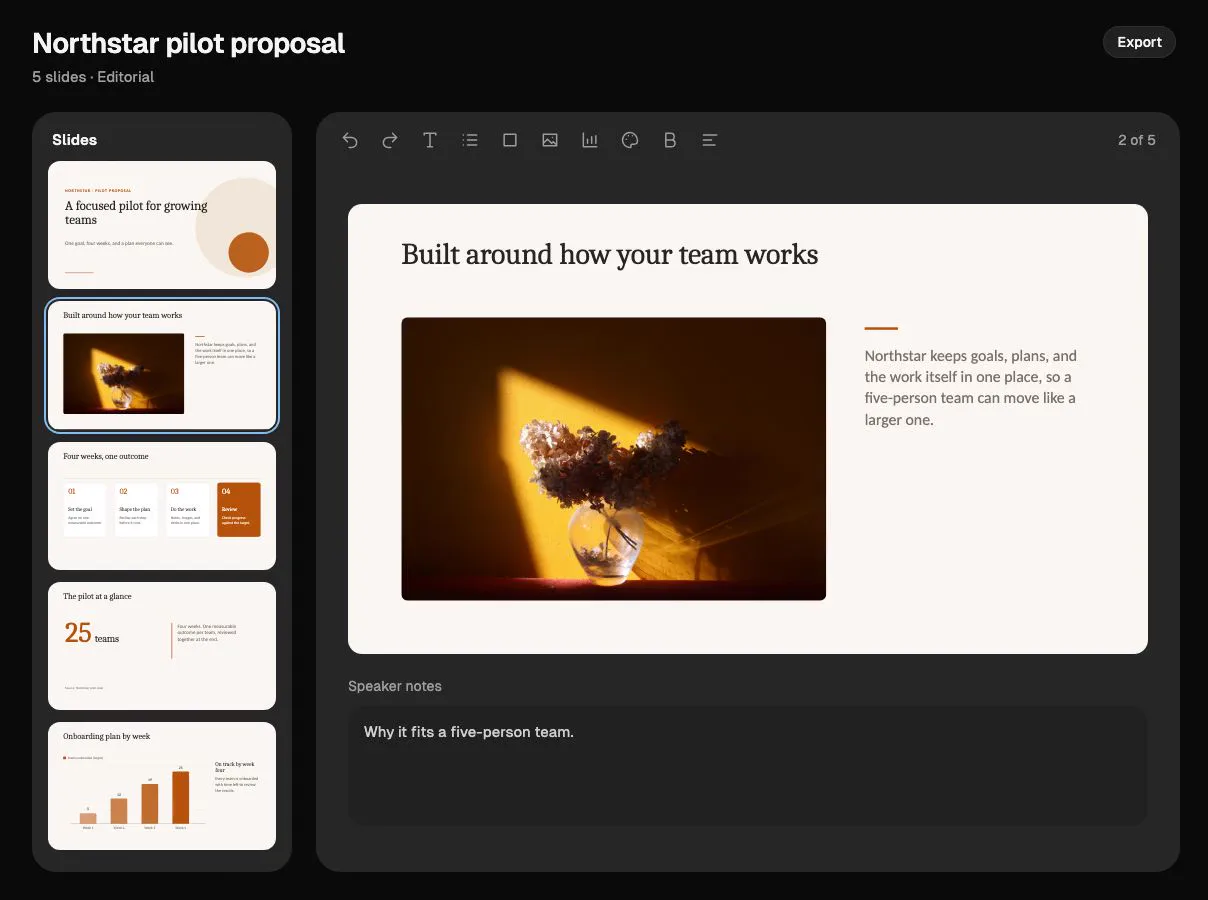
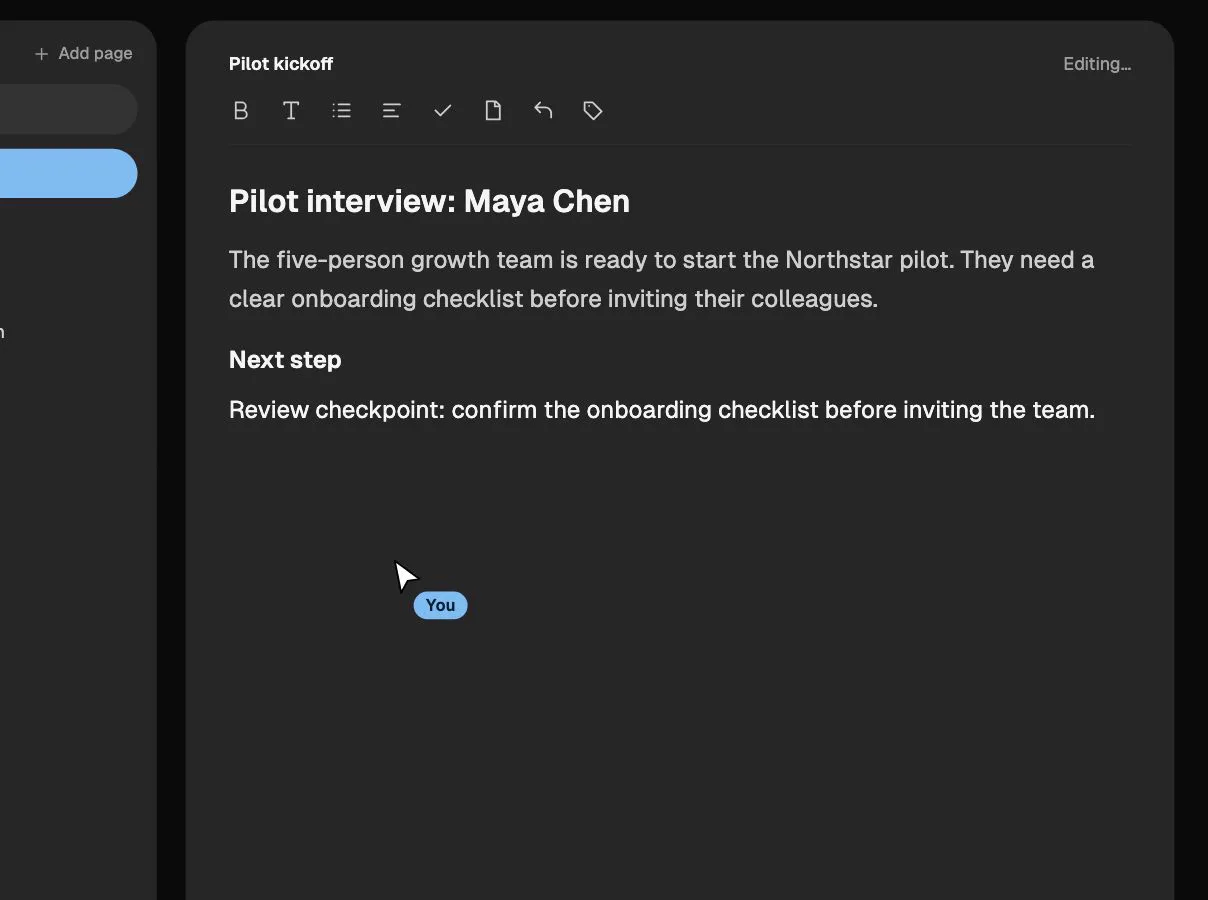
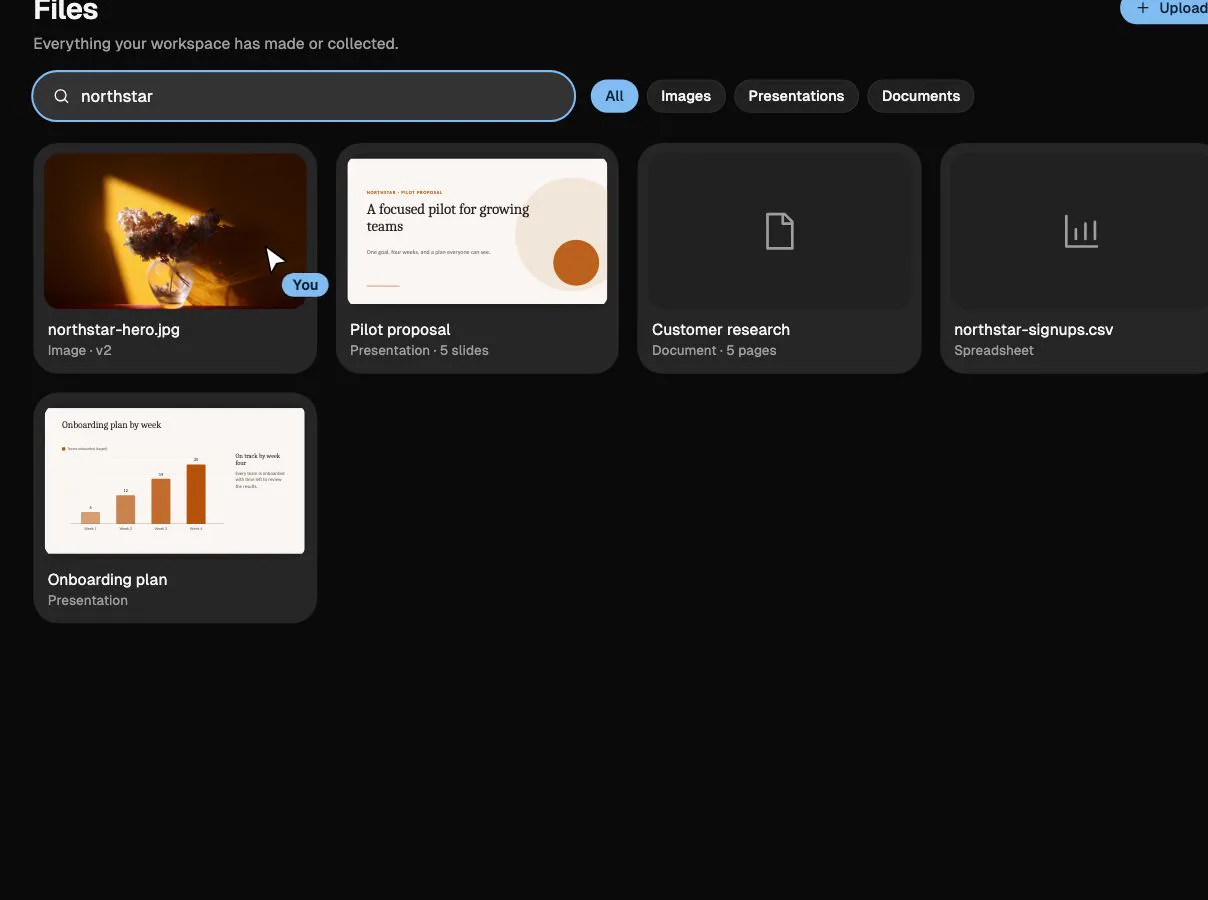
Image Studio, presentations, notebooks, and files come with every workspace. Use them yourself, or let the agent use them in a plan.
Bring a visual into the workspace and make it yours.
Illustrative demos with fictional data.
Research
Collect sources, pull out findings, and turn them into an editable brief, article, or deck that feeds straight into your next task.
Channels
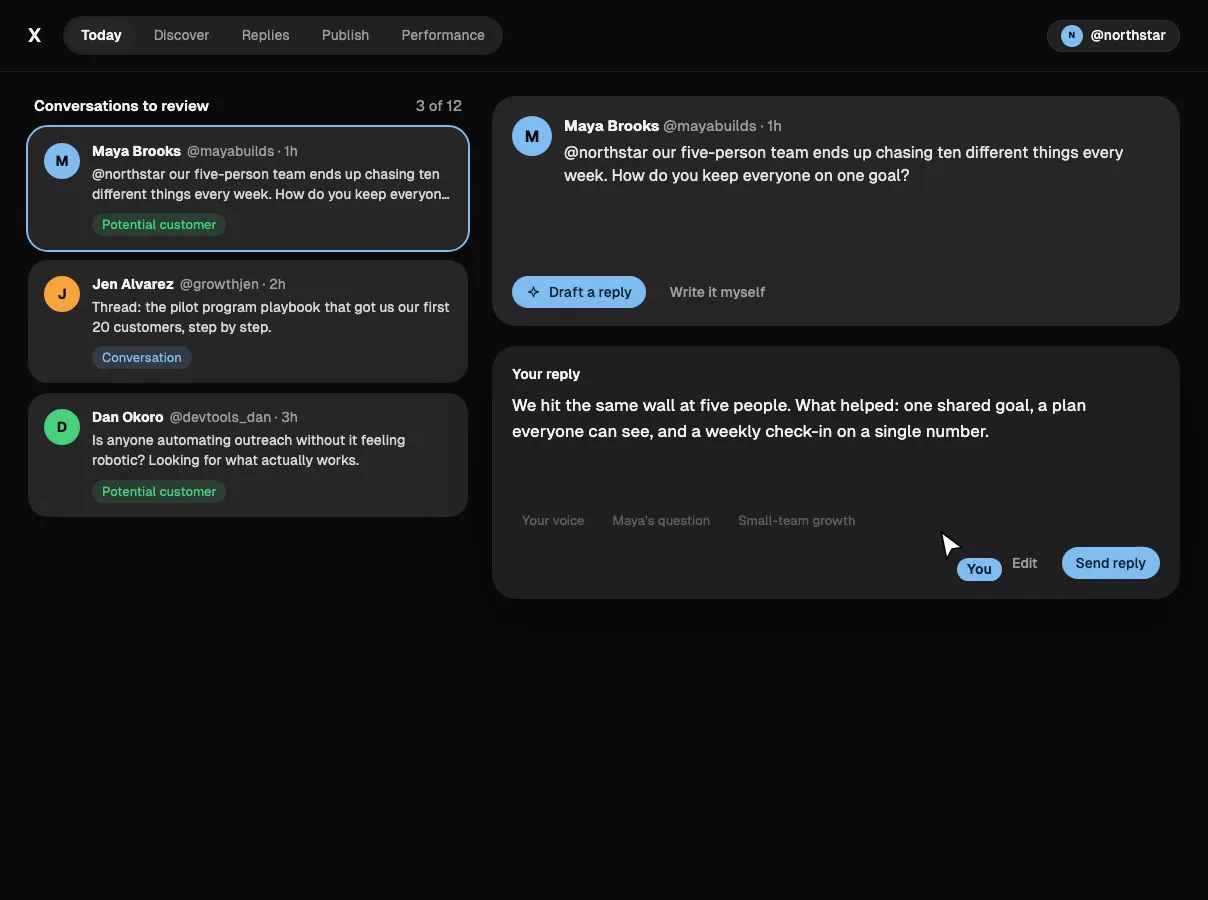
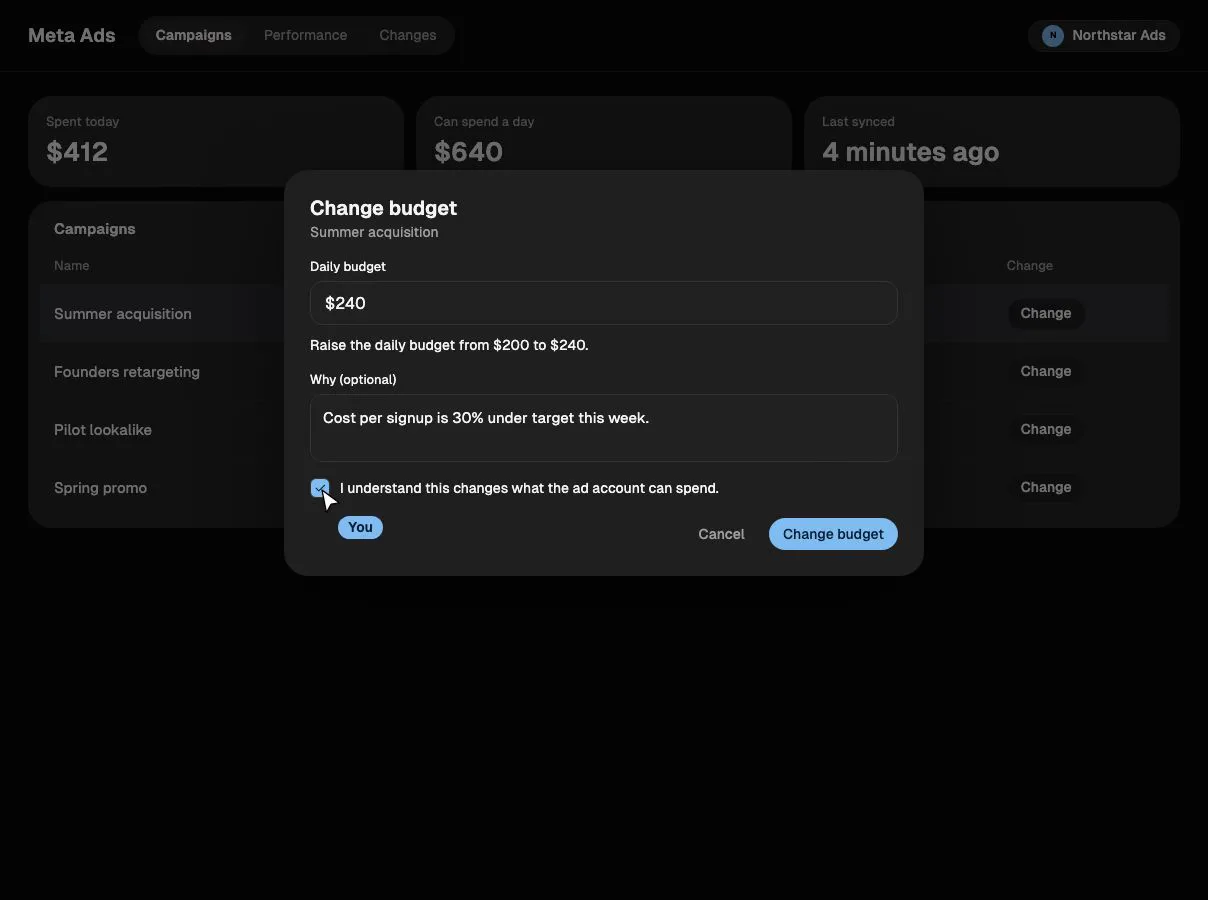
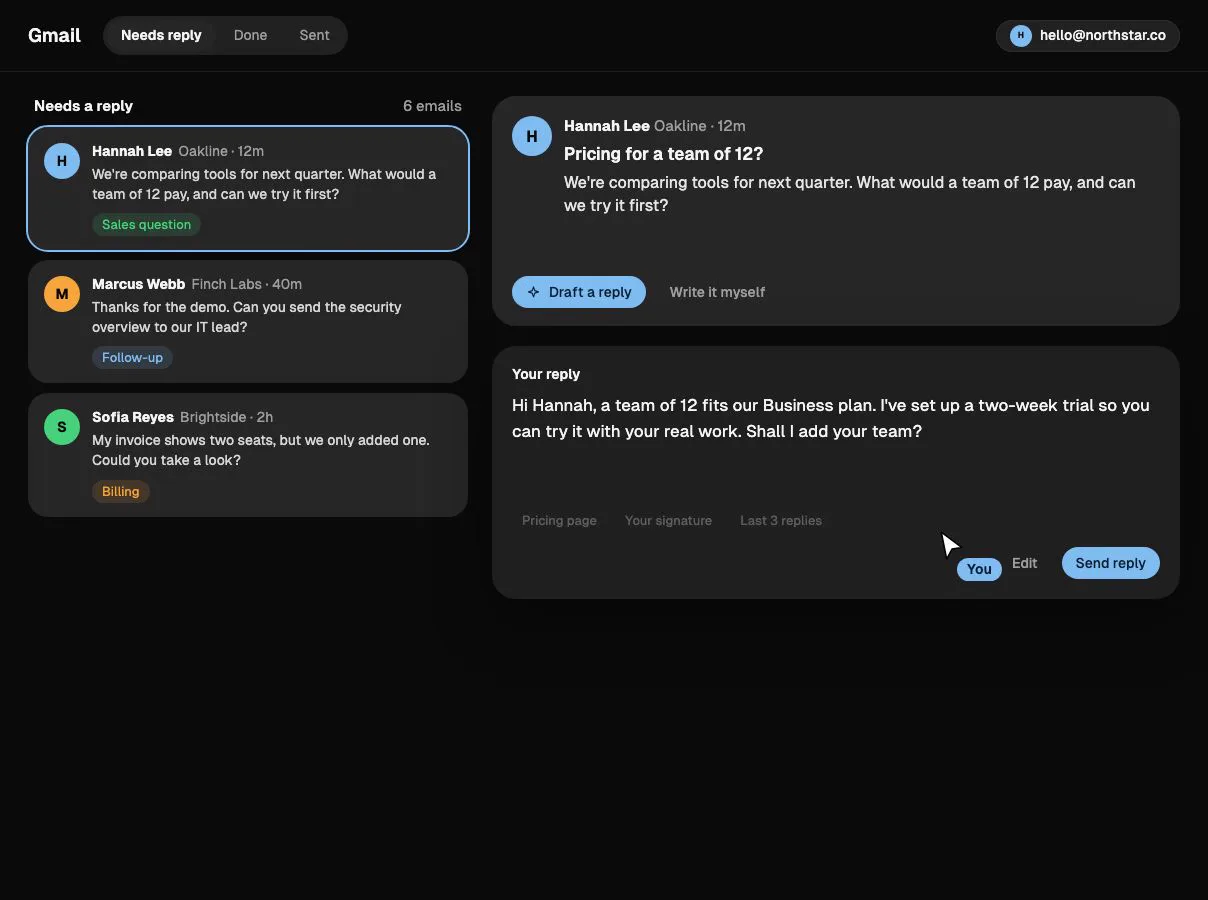
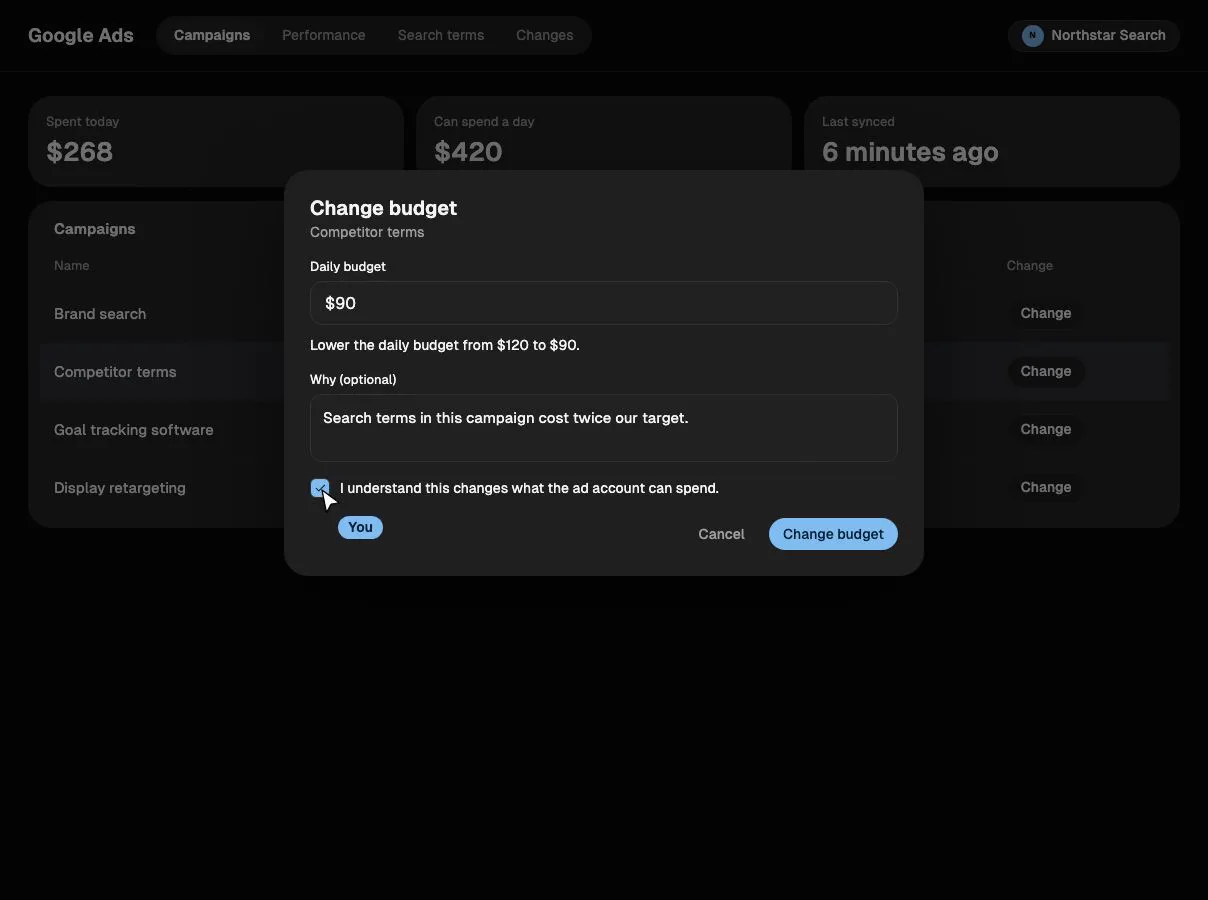
Each channel gets its own page in Lumiel. See what needs you, let the agent draft the work, and approve it before it goes out.
Find the conversations worth joining and reply in your own voice.
Illustrative demos with fictional data.
How it works
Here’s one goal from start to finish. This is an illustrative example, not a customer result.
“Recruit 10 qualified pilot customers in 30 days.” Success means 10 confirmed signups, not 10 replies sent.
Agree on the offer, find the conversations worth joining, then draft replies. You change the target profile and approve.
The agent finds people asking on X and drafts personal replies. Each reply waits for your sign-off before it posts.
Signups are tracked against the target of 10, so you know whether to keep going or change the plan.
Works ahead of you
Lumiel looks for opportunities without waiting to be asked. Ask first on every action, or let trusted ones like replies to your mentions run on their own within limits you set.
A proposed plan is ready. Open it to review approval and execution status.
A founder of a five-person team mentioned you on X and asked how to keep everyone on one goal. You accepted this opportunity, and Lumiel prepared a plan to reply.
Nothing has been posted. Review the plan before work starts.
Review planLumiel can take this kind of action without asking each time. Anything outside these rules still asks you first.
Of your last 12 approved replies, 10 would have gone out without asking. Outside these hours, or past the daily limit, Lumiel asks you as it does today.
Trust and control
You decide what Lumiel can touch and what needs your sign-off. Every action is checked against those rules when it runs, and recorded afterwards.
Choose which accounts and data Lumiel can use. Permissions and limits are checked every time an action runs.
Decide which actions need your sign-off and which can run on their own.
Every run, approval, and result is recorded in a history you can look back through.
Pricing
Every plan includes the full platform. Choose how much monthly usage you need.
Basic
per month
Get started with all essentials
Pro
per month
For growing teams and businesses
Business
per month
Advanced features for larger teams
Enterprise
Built around your requirements
Custom pricing and limits for enterprises
Every plan includes the core platform
Credits cover AI usage and metered provider operations. Google and Meta advertising spend is billed separately by those providers.
FAQ
Approvals, channels, and credits.
Put Lumiel to work
Set the goal. Review the plan. Put the work in motion and follow the results.